Stop staring at text logs.
Start orchestrating AI in real time.
Watch your local AI coding agents work live. Track multi-step workflow pipelines, monitor token speeds, and listen to audio cues—100% private on your machine.
Use the agents you already trust.
See OrchestrateLive in Action
Watch how OrchestrateLive transforms plain terminal text into a visual command center in real time.
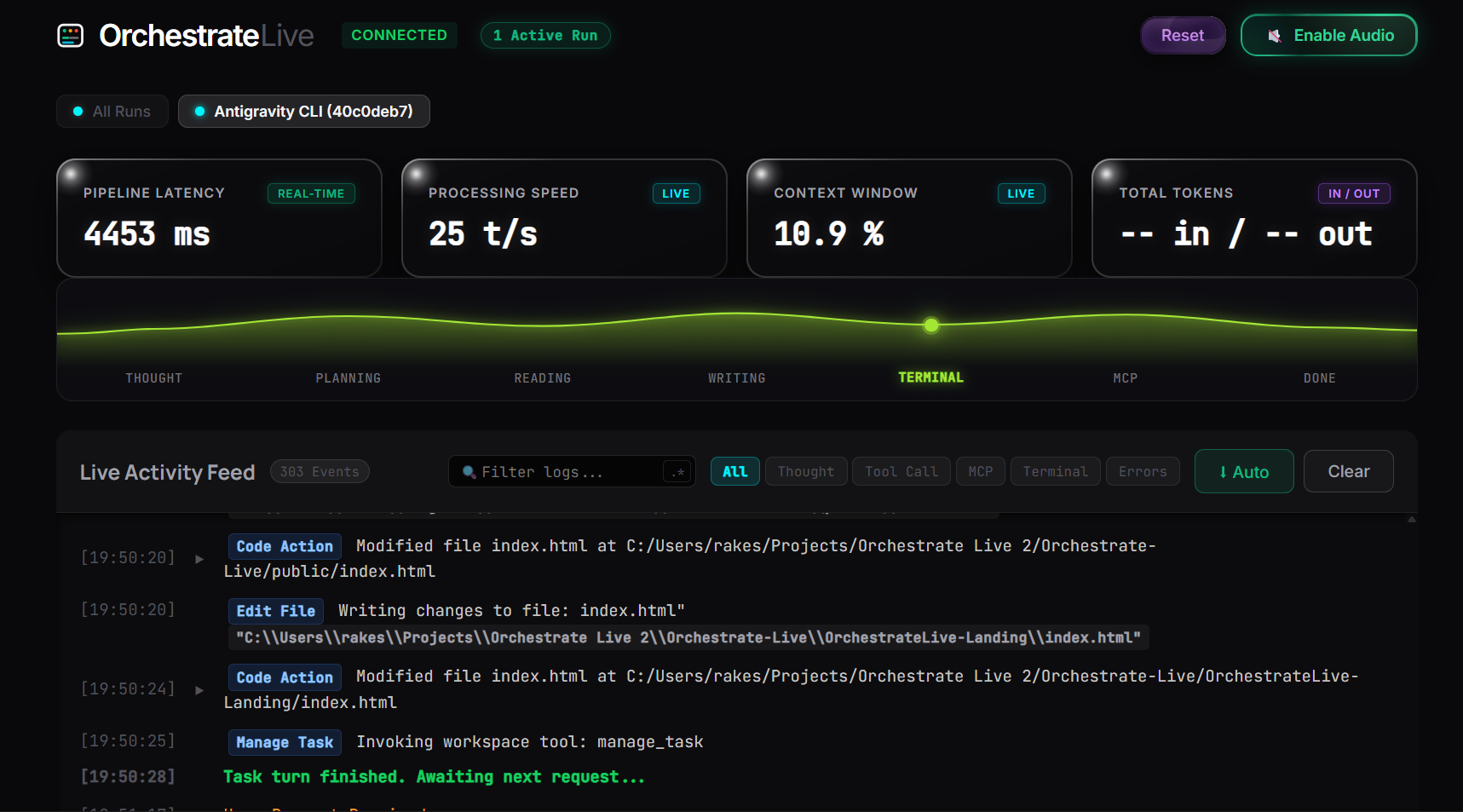
Know exactly what your AI is doing
No more reading dense, fast-scrolling terminal logs to figure out if your AI agent is stuck in an error loop. OrchestrateLive renders a real-time reactive wave track mapping Thought ➜ Planning ➜ Reading ➜ Writing ➜ Terminal ➜ MCP ➜ Done with a smooth traveling state indicator.
Audible cues for background tasks
Keep OrchestrateLive running in a background browser tab while you work. Programmatic Web Audio sound synthesis produces distinct audio pings for long-running tool executions, file edits, and task completion.
Frequently Asked Questions
Everything you need to know about OrchestrateLive architecture, local privacy, and agent setup.
Is OrchestrateLive completely free and open source?
Does OrchestrateLive send my code or terminal logs to cloud servers?
ws://localhost:3000). No code snippets, project file paths, API keys, or prompt content ever
leave your machine.
Which AI CLI tools and coding assistants are supported?
How does multi-agent parallel monitoring work?
How does the Audio Telemetry sound engine work?
How do I install and launch OrchestrateLive locally?
git clone https://github.com/madhavsingla10/OrchestrateLive.git),
navigate into the server/ folder, run npm install, and launch the bridge server
with node server.js. Then open http://localhost:3000 in your browser!